
Installation · July 15, 2026 · 4 min read
Installing an interactive wall without Wi-Fi, in five minutes
IT departments are often the first obstacle to a project. The Kmoove interactive wall works without a network: the activities are built into the unit.
What the room needs
A light, flat wall, enough throw distance for the image width you want, and a standard power outlet. That is all. Our installation page lets you simulate the image width and throw distance needed for your room.
- Two-piece wall mount for the K-Station
- All-in-one unit that simply sits in place for the K-Mobile
- Image adjustable from two to four meters (roughly 7 to 13 feet) wide
Why having no network changes everything
No port to open, no IT department sign-off, no account to create before starting a session. A connection is only useful occasionally, for updates and access to the Kmoove Store. A facility with no Wi-Fi in its activity rooms uses the system exactly like any other.
Getting teams up to speed
Setup comes with hands-on training: starting an activity, adjusting difficulty, personalizing a game. Activity teams, teachers and care staff use the system on their own from the first week.
What working without a network actually means
Every activity is stored inside the unit. Nothing is streamed, nothing is fetched from a server, and nothing stops working when the connection drops. A power socket is the only requirement.
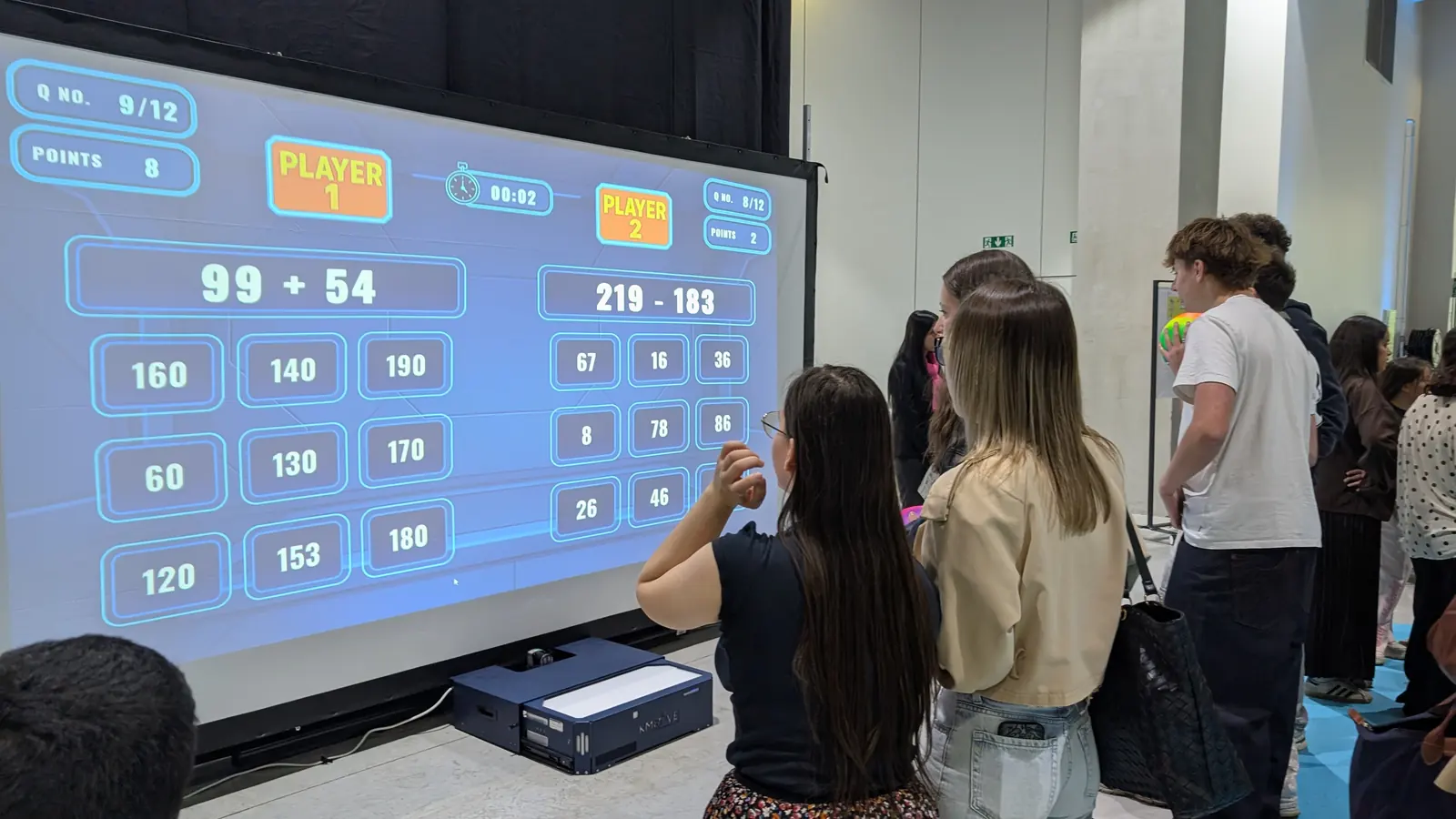
This is not a fallback mode with reduced features. It is how the system runs all the time. The twenty built-in games, the settings, the levels and the content created in Editor mode all live on the unit itself.
The consequence is practical: the wall works in a basement activity room, in a marquee at a village event, in a gym with no coverage, and in a secure unit where the network was never extended.
The IT conversation you will not need to have
In healthcare and education settings, the network is usually reserved for clinical or administrative use, and opening an access point takes weeks of paperwork. Many good pieces of equipment sit unused for exactly that reason.
Because the wall needs no connection, it is not on anyone's network and raises no question of access rights, of firewall rules, or of what data leaves the building. Nothing leaves the building, because nothing is sent.
That also removes a recurring failure mode. Equipment that depends on a connection fails on the day the connection fails, which is never a convenient day. Here there is nothing to fail.
Updates and new content, on your terms
A connection is useful for two things only: downloading software updates, and adding content from the Kmoove Store. Neither is required for the wall to run, and both can be done occasionally by connecting the unit briefly.
Content created in Editor mode is prepared on an office computer and synced to the wall. Teams build activities with their own photographs, their own vocabulary and their own images, then transfer them when convenient.
In other words, the connection is an option you use when it suits you, never a condition of use.
A short checklist before installation day
A clear wall or a light-coloured flat surface. A 230 V socket within reach. Enough space in front for the group to move, including wheelchairs. Control over daylight on the projection area, usually a blind or a curtain.
For a K-Mobile, the case is rolled into the room and set up in five minutes with no tools. For a K-Station, the two parts are assembled once and the room stays ready afterwards.
We survey the room before quoting, and that survey covers exactly this list. See the interactive wall overview for how the system works, or the frequently asked questions for the points raised most often by technical teams.
Do you need Wi-Fi for an interactive wall?
Not for a Kmoove wall. Every activity is stored inside the unit, so a power socket is the only requirement. This is not a reduced fallback mode: it is how the system runs all the time, including the twenty built-in games, the settings and any content created in Editor mode.
What happens in a building with no network at all?
Nothing changes. The wall runs identically in a basement activity room, a gym with no coverage, a marquee at a village event or a secure unit where the network was never extended. Nothing is streamed and nothing is fetched from a server, so there is no connection to lose.
How do you add new games without a connection?
By connecting the unit briefly, when it suits you. A connection is useful for two things only: software updates and adding content from the Kmoove Store. Content built in Editor mode is prepared on an office computer and synced across. The connection is an option you use occasionally, never a condition of use.
Does the IT department need to be involved?
No, and that is often the deciding factor. Because the wall is not on any network, there is no access request, no firewall rule and no question about what data leaves the building. Nothing leaves the building, because nothing is sent. In healthcare and education settings, where opening a network access point takes weeks, this removes the obstacle that leaves good equipment unused.
Does it need a dedicated room?
No. A K-Station suits a room that can stay set up, but a K-Mobile is rolled into a dining hall, a corridor or a gym and packed away afterwards. We survey the room before quoting, which is what determines the version and the image size.
Related sectors
Featured models
Ready to see the interactive wall in your facility?
Request a quote and we will get back to you within 48 hours with configuration and pricing.